
DirectStorage Explained: Why a Faster SSD Is Only Part of Faster Loading
Reading game files, decompressing assets, and making them usable are separate steps in the loading process.


DirectStorage Asset Loading
A fast SSD helps move data, but a game cannot display every file exactly as it is stored. Assets must be requested, transferred, and prepared for use. DirectStorage addresses parts of that process, which is why buying a faster drive and installing a game that uses DirectStorage are not interchangeable upgrades.
The SSD Is One Stage of Loading
Microsoft's explanation of DirectStorage describes compressed assets as a way to reduce a game's storage footprint. Those assets need decompression before the game can use the resulting data. Improving the read stage does not automatically remove the work that follows it.
The first DirectStorage release focused on more efficient data transfer and lower CPU overhead. GPU decompression expanded the approach by giving developers another place to perform that preparation work.
This is the useful distinction behind the branding: storage bandwidth describes how quickly data can travel, while the loading experience depends on how the game handles the complete journey. An impressive sequential-read specification cannot, by itself, tell you how many seconds a particular level will take to become playable.
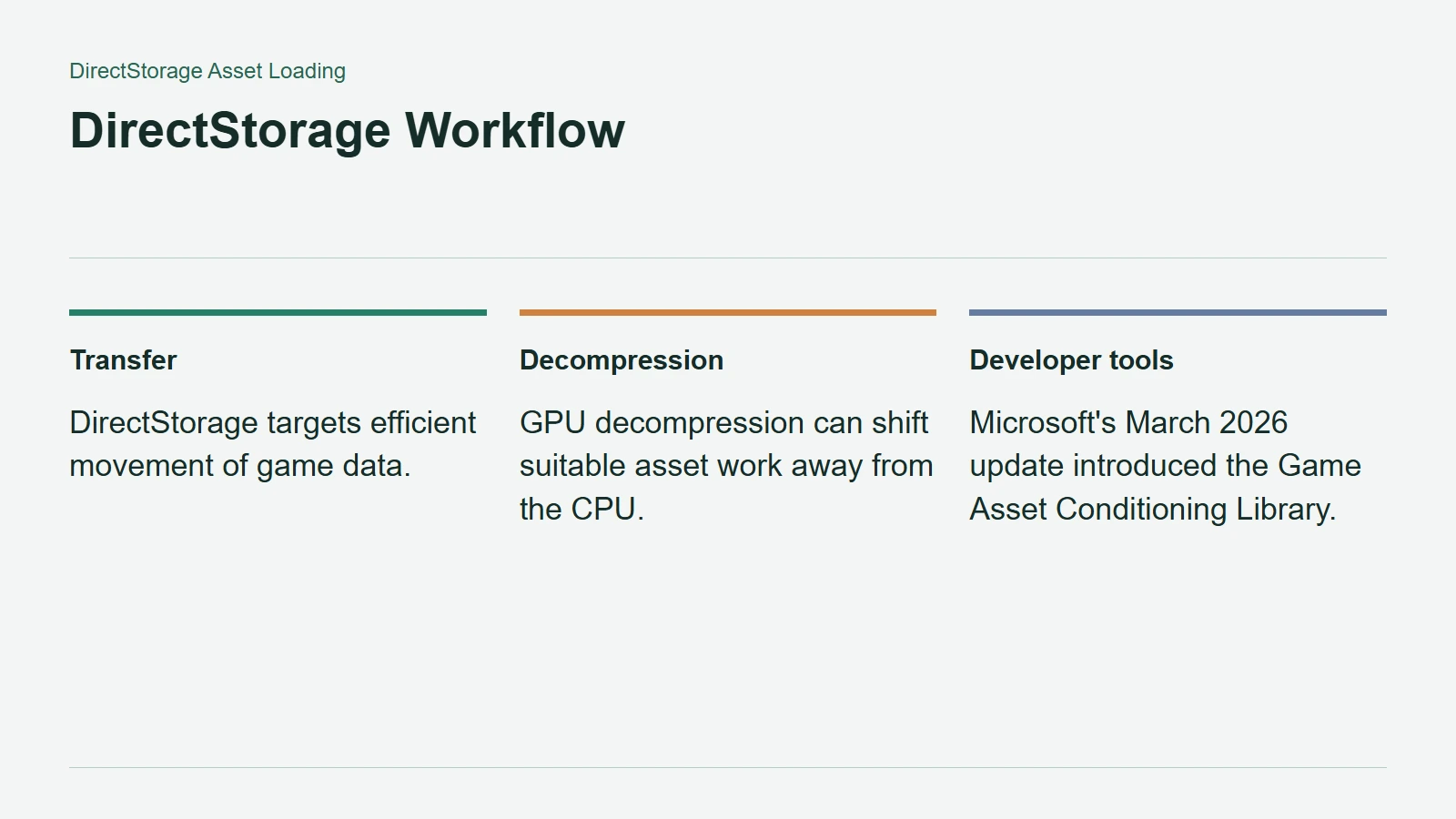
DirectStorage Workflow
What GPU Decompression Changes
Microsoft's 2022 DirectStorage 1.1 technical explanation introduced GDeflate and described moving suitable decompression work from the CPU to the GPU. The aim was to use parallel processing and leave CPU resources available for other work.
The article's demonstration compared a highly optimised sample, not an average of shipping games. Its loading figures should not become a promise that every DirectStorage title will improve by the same proportion. Different workloads and hardware were explicit qualifications.
Equally, GPU decompression is not a claim that the CPU disappears from loading altogether. It changes where a particular job can run. The engine still determines what is needed and how the pieces fit together.
Game Integration Decides the Benefit
Microsoft's March 11, 2026 developer update introduced Zstandard compression support and the Game Asset Conditioning Library. The latter is a developer tool for preparing assets, underscoring that storage improvements involve production decisions as well as hardware.
That announcement is not evidence that every installed game has adopted the new path. Nor should the older 1.1 explainer be mistaken for a statement of the latest SDK version. The fundamentals remain useful even as the tools evolve.
When assessing an SSD upgrade, look for loading tests in the games you actually play, on comparable systems and with the same game version. Check the title's storage requirements and where it is installed. A faster drive can supply more bandwidth, but the game needs a reason and a method to use it.