
AMD 3D V-Cache Explained: Why Gaming CPUs Need More Than Core Counts
Extra cache addresses data access, while core counts and GPU performance answer different questions.


AMD Stacked Cache
A processor's core count tells you how many cores it contains. It does not tell you how quickly a particular game will run. AMD's 3D V-Cache is a good illustration of the missing context: it adds cache capacity through stacked silicon, rather than simply adding more CPU cores.
More Nearby Data, Not More Working Memory
Cache holds data close to the processing cores so useful information can be accessed without every request going out to main memory. Increasing that capacity can help workloads whose frequently accessed data benefits from the extra space. It is not a substitute for installing enough system RAM.
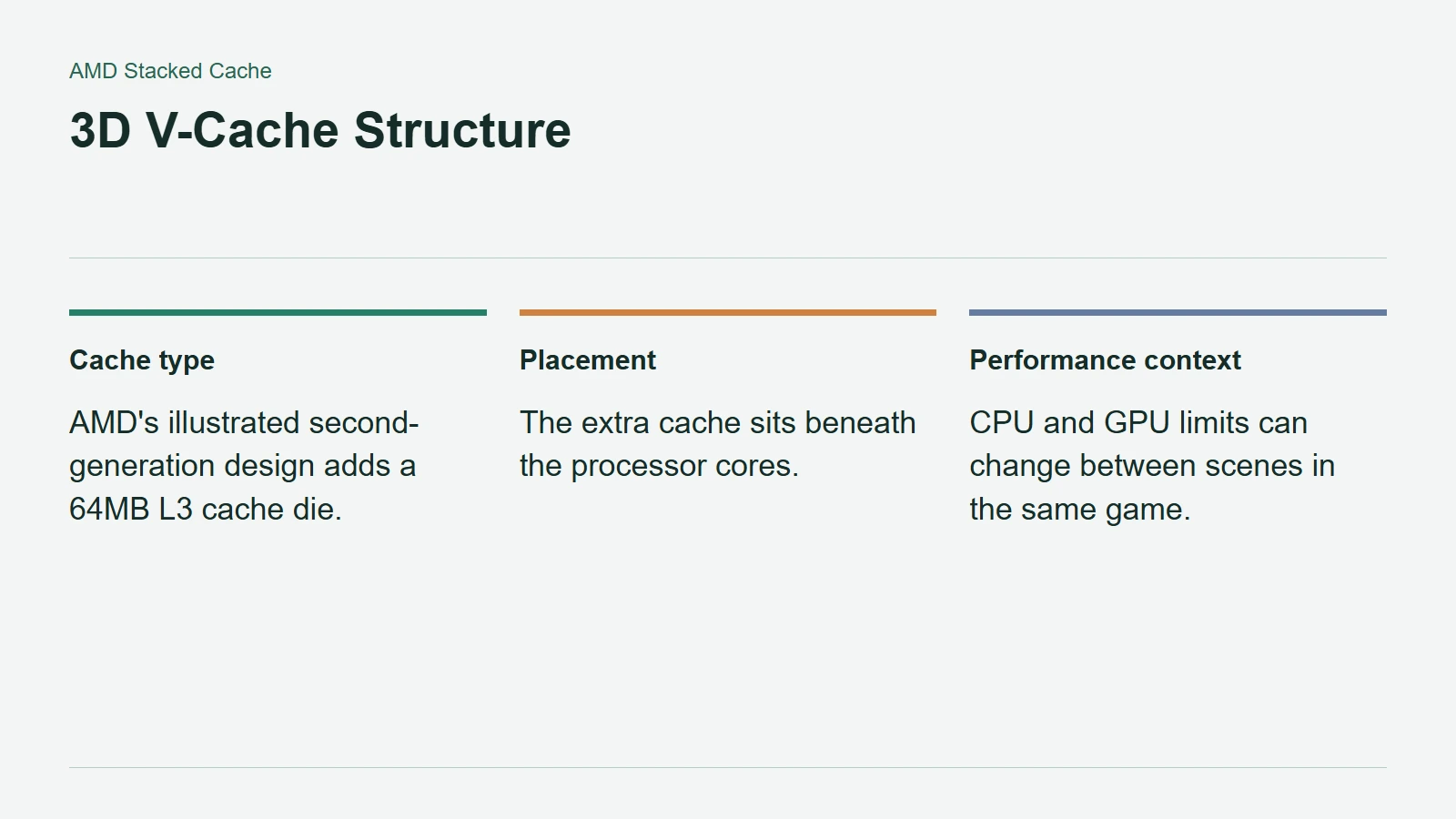
AMD's 3D V-Cache technology overview describes its second-generation arrangement with the additional memory beneath the processor cores. This leaves the cores closer to the cooling solution. The company identifies a 64MB L3 cache die in its illustrated design.
That specification describes a component of the cache arrangement, not the total cache in every X3D processor. Read the actual model's specifications instead of applying one number to the entire product family.
3D V-Cache Structure
The Limiting Component Still Matters
Intel's developer guidance on CPU and GPU bottlenecks explains why a component upgrade does not produce a fixed benefit. A game can be limited by CPU work, GPU rendering, or different constraints in different scenes. Lowering resolution can ease GPU load; changing draw distance can alter CPU demands.
Consequently, a cache-equipped processor deserves attention when CPU performance is the constraint, but extra cache cannot make a graphics card render an overloaded scene instantly. A benchmark at one resolution is evidence for that test setup, not a universal forecast for a different PC.
The same reasoning applies within a single game. A busy simulation and a visually demanding vista may stress different parts of the machine. Choosing hardware around the moments that actually bother you is more useful than pursuing a single headline number.
Read the Test Before the Winner
AMD's performance footnotes identify test hardware, software, and game settings. Those details belong beside any comparison. Manufacturer results should remain identified as manufacturer results, especially when a claim is repeated without the configuration that produced it.
For a purchase decision, look for independent tests covering your games, target resolution, and intended graphics card. Check frame consistency as well as average speed, then include motherboard, memory, and cooling costs in the comparison. More cores and more cache are both specifications worth understanding. Neither is a shortcut around matching the whole system to the way you play.