
Logitech Pro X2 Rapid: Settings Competitive Players Should Check
The wired Hall-effect keyboard separates adjustable actuation, Rapid Trigger and opposing-input handling.


Pro X2 Rapid Controls
The Logitech Pro X2 Rapid puts adjustable key behavior at the center of a wired tenkeyless keyboard. Announced on September 23, 2026, it combines magnetic Hall-effect switches with Rapid Trigger and an onboard OLED display. The useful starting point is understanding which setting changes the initial press and which changes what happens afterward.
Actuation and Reset Are Different Controls
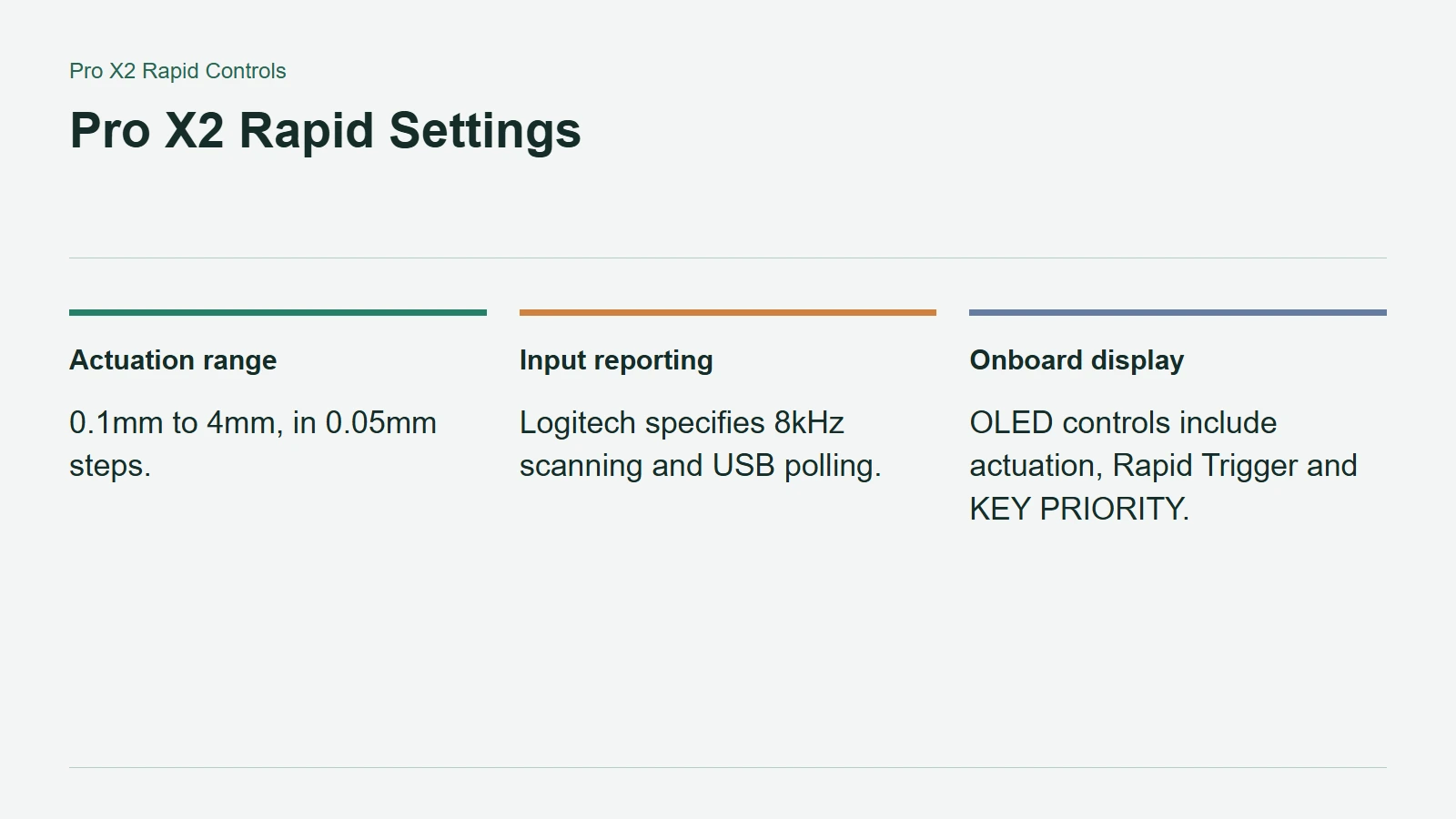
Logitech specifies an actuation range of 0.1mm to 4mm, adjustable in 0.05mm steps. Actuation determines how far a key must move before the press registers. Rapid Trigger instead lets users adjust the return distance required to reset it for another press, according to the official product page.
That gives movement keys more tuning options than a fixed activation point. It does not mean the shallowest possible setting is automatically best. A sensitive setup that also registers unintended touches can be less useful than a slightly more deliberate one.
Change a small group of keys first and keep a record of what changed. Moving several thresholds at once makes it harder to identify whether a missed input came from the new configuration or simple unfamiliarity.
Pro X2 Rapid Settings
Onboard Controls and Everyday Use
The OLED interface provides access to actuation, Rapid Trigger, KEY PRIORITY and lighting settings, with further customization and saved profiles through G HUB. Logitech also specifies 8kHz scanning and USB polling, an aluminum key plate and six-layer sound dampening.
Those specifications address different aspects of the keyboard. Reporting frequency concerns input delivery, while the physical construction concerns feel and sound. Neither is an independent test result for total system latency or desk acoustics.
The practical question is whether a configuration remains comfortable beyond a short match. Consider ordinary typing and accidental inputs as well as repeated movement presses. A competitive preset does not need to be the only profile you use.
Check Input Rules Before Enabling Key Priority
KEY PRIORITY is identified by Logitech as an SOCD feature, dealing with simultaneous opposing directional inputs. Do not assume every game or tournament accepts such behavior simply because the keyboard offers it.
Valve's August 2024 Counter-Strike notes, for example, say certain movement automation, including hardware-assisted counter-strafing, can trigger a kick on official servers. That is a warning about input behavior, not a blanket prohibition on magnetic switches.
Review the current rules for the game and competition you actually play before enabling assistance. A configurable keyboard is most useful when its settings support deliberate, repeatable inputs within those rules.