
Intel XeSS 3 Explained: Extra Frames Are Only Part of the Story
Super Resolution, Frame Generation and Xe Low Latency have distinct roles, and the compatibility rules are not identical.


Intel XeSS 3
Intel XeSS 3 is a collection of graphics technologies, not one switch that makes every kind of performance equivalent. Super Resolution reconstructs an image, Frame Generation creates additional frames and Xe Low Latency helps coordinate the timing of work. Understanding those roles is more useful than treating a larger FPS counter as the complete result.
Three Components With Separate Jobs
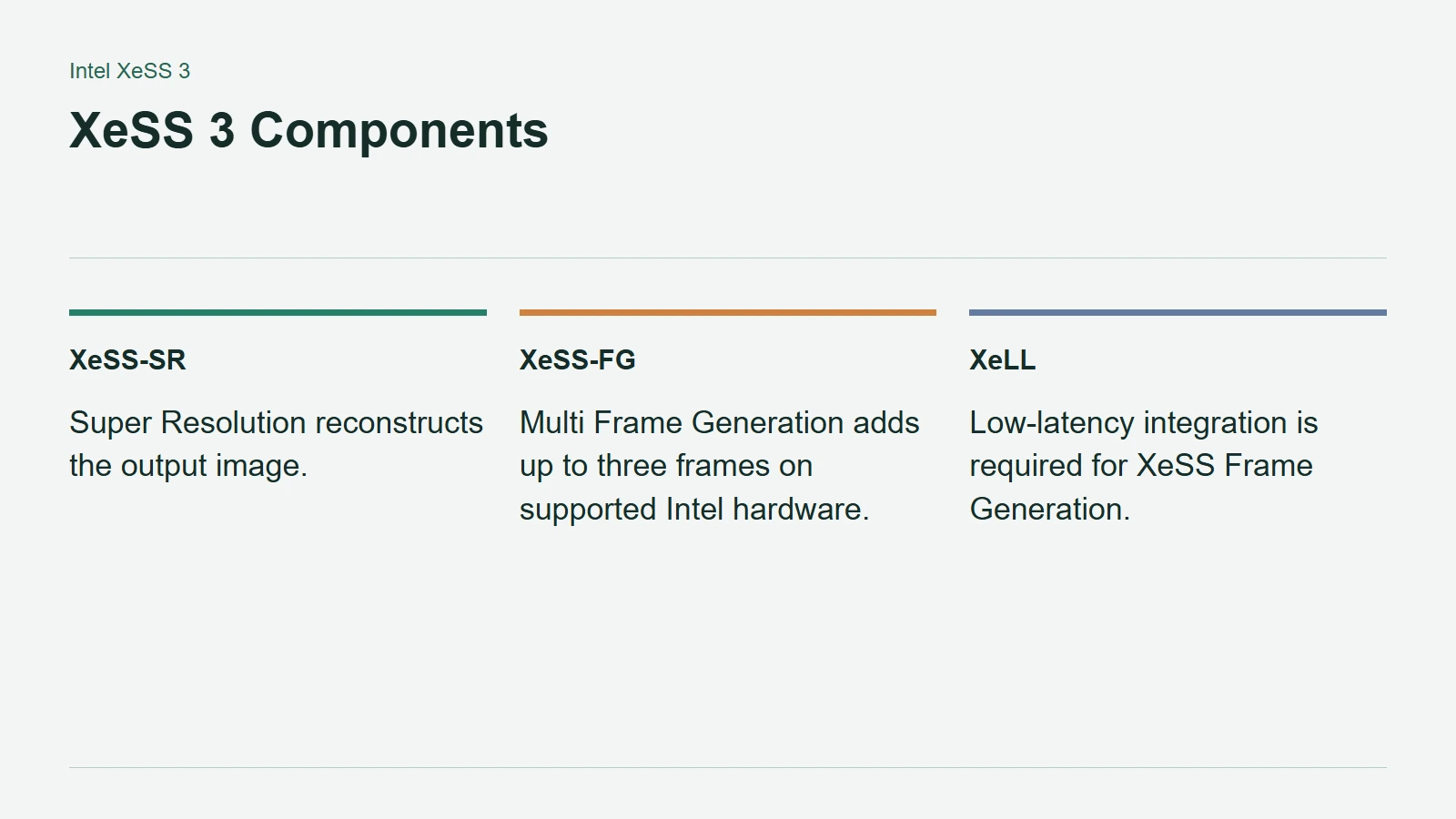
Intel's developer overview calls the components XeSS-SR, XeSS-FG and XeLL. Super Resolution offers several quality and performance presets, including a native anti-aliasing option. Its cross-vendor implementation requires Shader Model 6.4 or later, with DP4A hardware acceleration recommended.
Frame Generation interpolates additional frames. XeSS 3 extends that with Multi Frame Generation on supported Intel hardware, allowing up to three generated frames. That is not a promise that the game's simulation, CPU work or response to new input runs four times faster.
XeLL addresses the timing between CPU work and presentation. Intel requires its integration for XeSS Frame Generation, so the latency component is not an unrelated optional extra in that rendering path.
XeSS 3 Components
Begin With a Healthy Input Frame Rate
Intel's Frame Generation developer guide recommends a minimum input target of 40 FPS and a preferred target of 60 FPS, whether the input uses Super Resolution or native rendering. These are integration recommendations, not performance measurements for any particular game or GPU.
The same guide explains why latency deserves attention: generating frames delays presentation of the application's frames. XeLL helps manage that cost, but the extra images should not be mistaken for additional fresh input samples.
For a player, the practical order is to establish acceptable performance without generation first. Then enable it and compare motion, camera control and interface clarity, not only the counter. A smoother presentation and a more responsive game are related goals, but they are not interchangeable measurements.
Cross-Vendor Does Not Mean Identical Features
Intel's current support table distinguishes APIs and hardware families. Its DirectX 12 path includes Frame Generation support for compatible non-Intel devices, but Multi Frame Generation remains Intel-only. The developer guide limits non-Intel GPUs to one generated frame.
There is another important footnote: on non-Intel hardware, XeLL is supported as part of XeSS-FG rather than as a standalone feature. Super Resolution support alone therefore does not establish the rest of the stack.
Check the game's actual implementation and graphics driver before assuming a XeSS label includes every component. For hardware comparisons, keep native or upscaled input performance separate from generated output frames. That is the clearest way to judge whether the feature improves the experience you are trying to buy or configure.