
AMD Adrenalin 26.9.2 Adds Game Support, but Check the Known Issues
The same release can fix one Radeon configuration while leaving another with an unresolved problem.


AMD Adrenalin 26.9.2
AMD's September 29 release of Adrenalin Edition 26.9.2 combines new-game support with several targeted stability fixes. The important word is targeted: the affected GPU family and the conditions listed alongside each fix matter.
AMD lists support for games including Gears of War: E-Day, CONTROL Resonant and Minecraft Dungeons II. A support entry should not be mistaken for a benchmark result, and AMD's release notes do not establish a universal performance gain across your library.
Match the Fix to Your Graphics Card
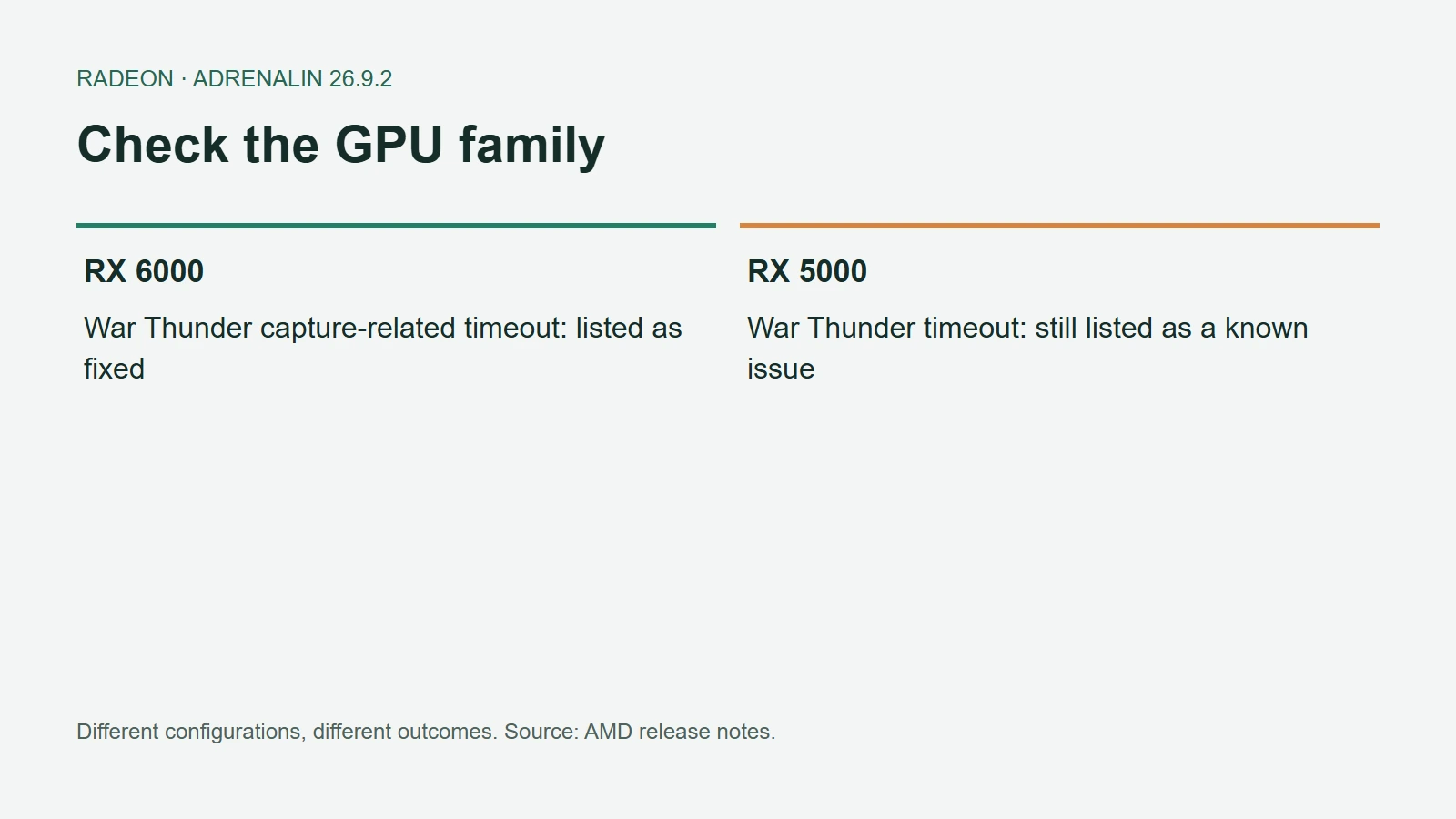
Among the fixes are Final Fantasy VII Rebirth timeouts on RX 7000 cards and HITMAN World of Assassination timeouts or freezes on RX 9000 hardware. A separate War Thunder fix applies to RX 6000 cards using DirectX 12 with Instant Replay and Borderless Region Capture enabled.
AMD Adrenalin 26.9.2 Fixes and Known Issues
That last entry is a good example of why a headline cannot replace the full compatibility check. “War Thunder fix” sounds broad; the documented problem describes a specific combination of hardware, graphics API and capture features.
The Known-Issues List Still Matters
The official release notes still list War Thunder timeouts on RX 5000 cards, recommending 26.9.1 for affected users. They also flag possible Smart Access Memory deactivation after installation on Windows 10 and a separate RX 7000 issue in Assassin's Creed Black Flag Resynced.
Read the fixed and known-issues sections together. A release can be relevant to one machine without being the most useful choice for another. We have not independently reproduced these bugs or benchmarked this package, so the fixes remain attributed to AMD.
Laptops and Handhelds Need a Separate Check
AMD recommends manufacturer-provided drivers for laptop-specific features and says this package does not support handheld gaming devices. A shared Radeon name is not enough to establish that a desktop driver package is suitable for your handheld.
Before changing a working setup, note your current driver version and the exact problem you want to solve. Then check the support page for your device and whether AMD has posted a newer release. That gives you a concrete comparison after installation instead of relying on the assumption that a higher version number must solve every issue.