
Steam Families: Why Some Games in Your Library Cannot Be Shared
An eligible household, a shareable game, and an available copy are three different requirements.


Steam Family Sharing
Joining a Steam Family does not turn every purchase into an unrestricted household licence. A game can be excluded from sharing, a shareable copy can already be in use, or an account can face a separate family-membership restriction. Those problems can look similar from the library, but they need different checks.
Sharing Eligibility Belongs to the Game
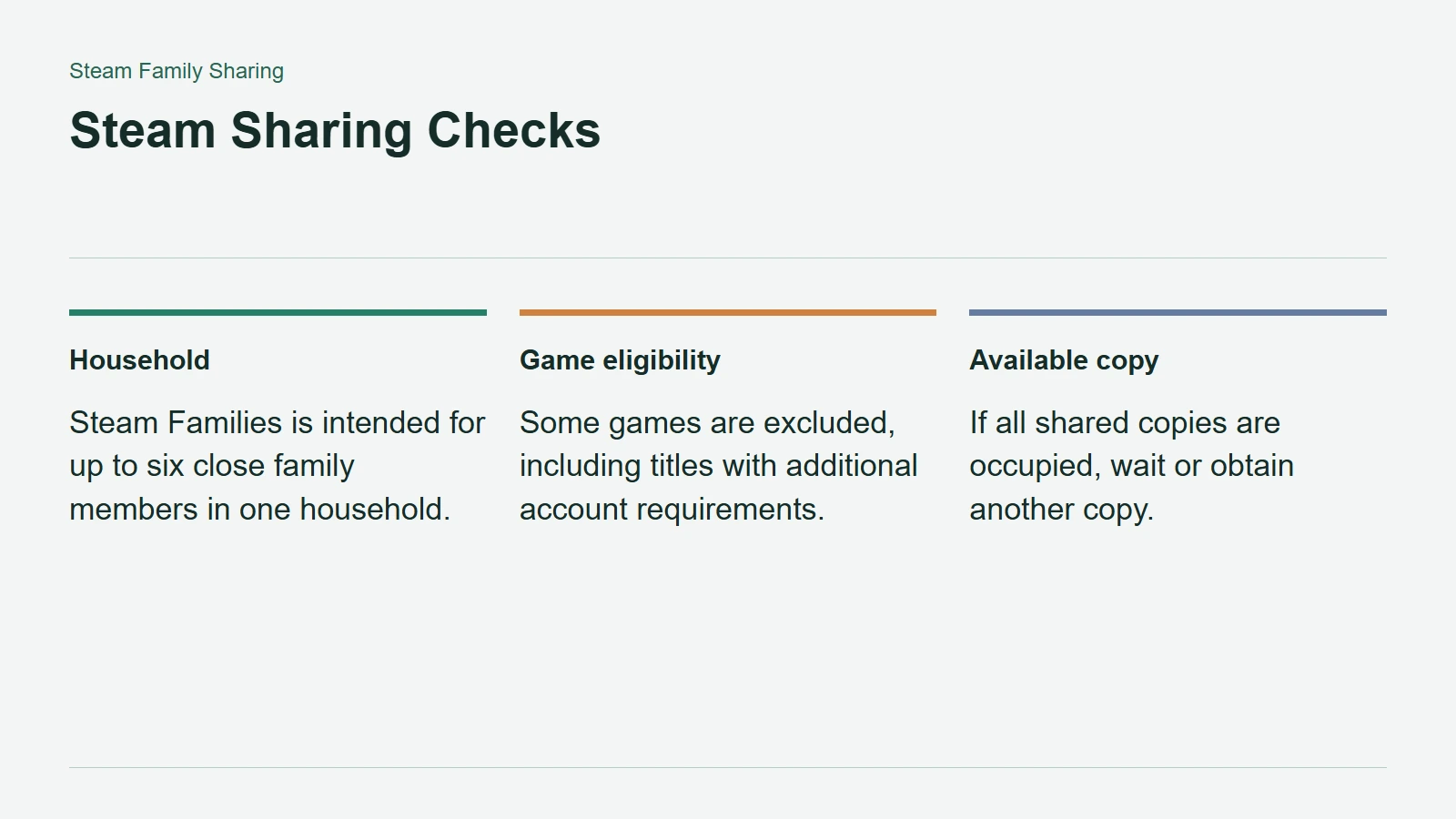
Valve's Steamworks documentation says Family Sharing is enabled by default for games and DLC. Default support, however, is not a guarantee that every product remains eligible in every situation. The consumer FAQ identifies exclusions, including games requiring an additional third-party account or subscription.
The developer documentation also explains why shared access needs special handling inside some games. One-use items or currency in DLC can affect an in-game economy. A developer's own banning system may need to distinguish the person playing from the owner of the shared copy.
Crucially, Steamworks treats a family-sharing licence as temporary access, not permanent ownership for the borrowing account. That technical distinction helps explain why joining a family should not be understood as receiving a separate purchased copy of every title.
Steam Sharing Checks
A Busy Copy Is Not an Excluded Game
Valve's Steam Families guide describes what happens when the desired copy is already occupied. Steam can use another family member's available copy. If none is available, the player must wait or obtain another copy.
DLC also belongs in the diagnosis. Borrowing gives access to that owner's shareable DLC, and different owners may have different sets. Valve warns that a save may not work with a different DLC combination. Do not interpret a change in available expansion content as proof that the entire sharing feature has stopped working.
The distinction suggests a sensible order of checks: establish that the title supports sharing, then check which copy is available, then compare its included DLC.
Check Membership Separately
Steam Families is intended for a household of up to six close family members. An invitation problem can relate to household eligibility or cooldowns rather than the game itself. Leaving and recreating a family is therefore not a useful first experiment when one title is missing.
Start with the game's current store feature listing and the message shown in the client. Note whether the problem concerns an excluded product, an occupied copy, or a rejected invitation before contacting support. A precise description is more useful than assuming the entire library should behave identically. Check the specific game you intend to share before buying it for that purpose.