
Windows on Arm Gaming: Check Your Games, Not Just the Laptop Specs
Emulation can run application code, but drivers, anti-cheat, and actual performance require separate checks.

Windows Arm Gaming
A Windows on Arm laptop can have enough memory and storage for a game yet still encounter a compatibility obstacle before the first match. The missing detail is often not a bigger specification number, but whether the game's software stack works on that platform.
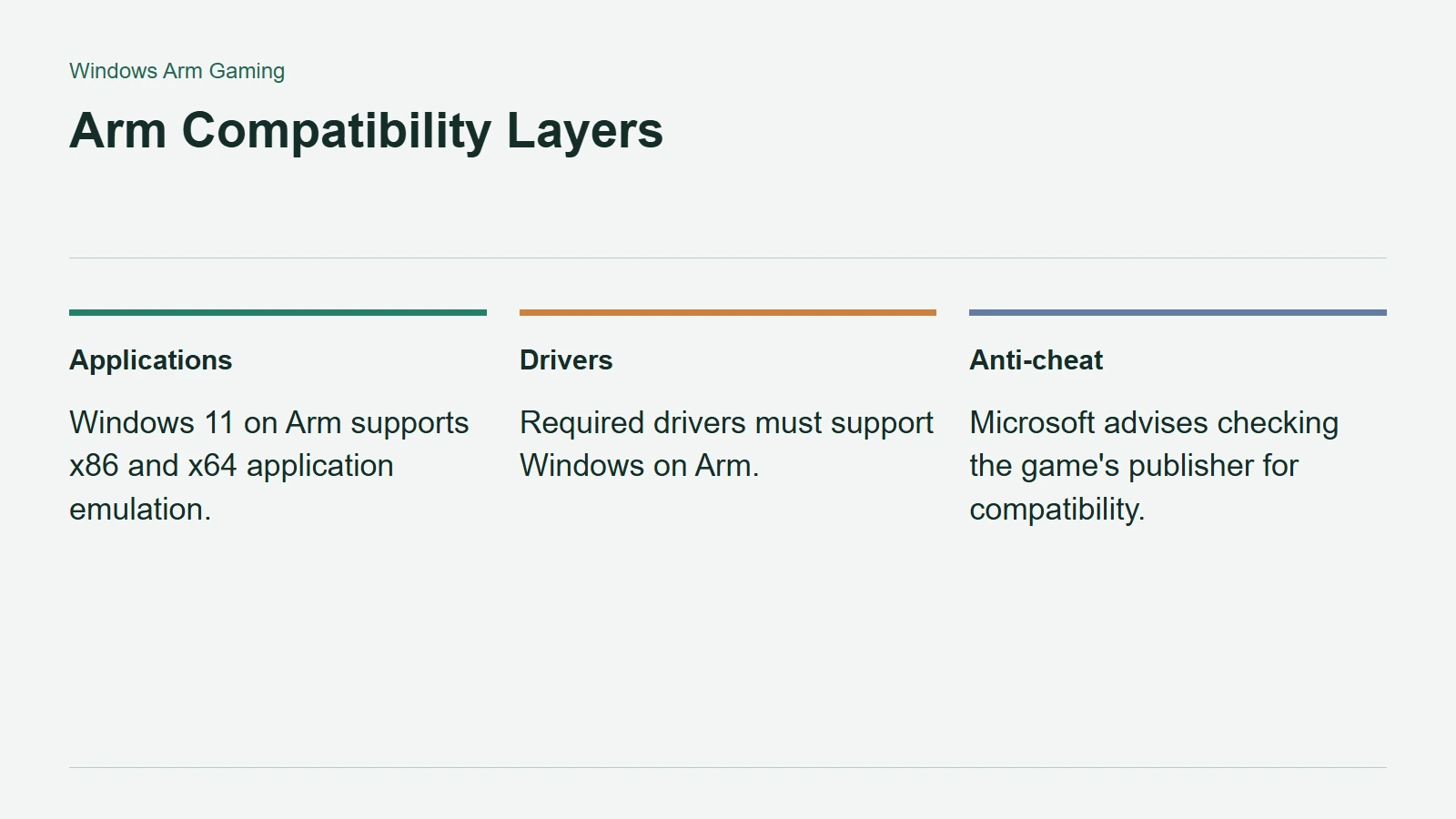
That does not mean Arm PCs cannot play games. It means application emulation, device drivers, anti-cheat integration, and performance should be checked as different questions rather than folded into a single yes or no.
Emulation Handles Code, Not Every Dependency
Microsoft documents x86 and x64 application emulation on Windows 11 on Arm. Prism translates blocks of instructions into Arm64 code and caches the translated work. An application therefore does not always need a wholly native Arm version to run.
Drivers are different. Microsoft's Windows Arm-based PCs FAQ says drivers must be designed for the Arm platform. If a required driver is unavailable, the hardware or software depending on it may fail or work only partially.
For a gaming setup, this distinction can matter beyond the game executable. Check specialist controllers, audio hardware, and configuration utilities as part of the system you intend to use. A successful launch is only the beginning of a useful compatibility test.
Arm Compatibility Layers
Anti-Cheat Support Has to Reach the Game
Microsoft warns that games relying on anti-cheat drivers without Windows on Arm support may not work. Its December 2025 gaming update also reported progress, including Windows on Arm support from Easy Anti-Cheat alongside other providers.
These statements are compatible: support can improve across the platform without immediately covering every game. A middleware announcement is a reason to check a particular title again, not permission to assume its publisher has enabled and validated the same path.
For competitive games, prioritise the publisher's current guidance about the mode you play. Reaching a menu does not answer whether matchmaking, protected sessions, or the required launcher behave correctly.
Build a Short, Specific Checklist
Start with the games you would miss most, then look for recent evidence on the exact laptop or processor family. Record the Windows build and driver version when a result provides them. Microsoft notes that some Prism performance features depend on Snapdragon X hardware, so one Arm machine is not a proxy for all others.
Keep compatibility and speed separate in your notes. A game that runs may still need settings you would not enjoy, while an older failure report may predate a software improvement. Before buying, resolve the status of your essential games and peripherals first. General platform progress is encouraging; a verified match for your own library is what makes the purchase practical.