
DLSS 5 and DLSS 4.5 Do Different Jobs: A PC Player's Guide
Neural rendering changes an image's appearance; upscaling, reconstruction and frame generation address other parts of the pipeline.


DLSS Feature Guide
DLSS 5 is not simply DLSS 4.5 with a bigger frame-rate multiplier. NVIDIA describes its 3D-Guided Neural Rendering feature as a way to change lighting and material detail in a rendered scene. Super Resolution, Ray Reconstruction and Frame Generation continue to have different jobs alongside it.
That distinction matters when a settings menu offers several DLSS switches. One option can change the image's appearance, another its reconstruction quality and another the number of frames presented. A single version number is a poor substitute for reading the feature name.
Neural Rendering Is an Appearance Choice
In its September 1 explanation, NVIDIA says DLSS 5 uses information from the game engine's frame to guide additional lighting and material detail. Developers control its application, and the feature can operate independently alongside other DLSS components.
NVIDIA identifies NBA 2K27 as the debut implementation and lists GeForce RTX 50-series desktop and laptop GPUs for local support. Those are feature-specific claims, not confirmation that every game carrying any DLSS branding can enable neural rendering.
For players, the sensible comparison is visual: inspect the same scene with the option on and off. Prefer the result that suits the game, rather than treating a newer label as an instruction to replace every existing setting.
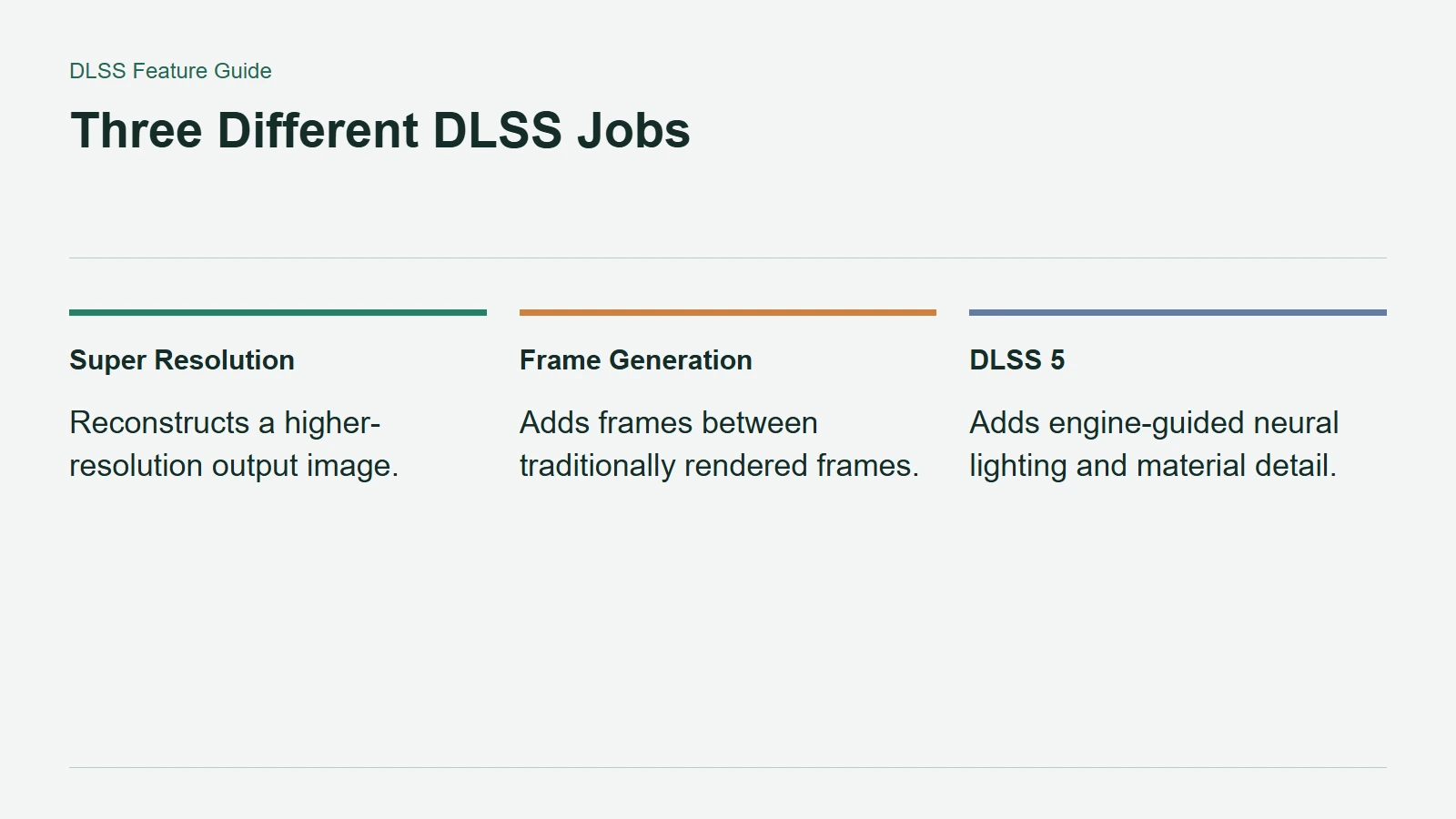
Three Different DLSS Jobs
Reconstruction and Extra Frames Solve Other Problems
DLSS Super Resolution reconstructs the output image from a lower-resolution input. NVIDIA's Gamescom explanation describes Ray Reconstruction as replacing traditional denoisers in supported ray-traced and path-traced games, with support across GeForce RTX GPUs.
Frame Generation instead inserts additional frames. NVIDIA's DLSS 4.5 feature explanation describes a 6X mode on RTX 50-series hardware that can generate five additional frames for each traditionally rendered one. Its dynamic mode adjusts generation toward the display's refresh rate.
These frames can make motion presentation smoother, but the displayed total should not be read as the same number of newly simulated game states. A performance chart needs to identify whether generated frames are included before it can support a useful comparison.
Check the Feature, Game and GPU Together
Super Resolution's broad RTX support does not make DLSS 5 neural rendering or Multi Frame Generation equally available on older cards. The game implementation, GPU generation and installed software all matter.
Start with a stable rendering baseline, then compare image quality and responsiveness as you enable individual features. That makes it easier to understand what improved and what changed. The goal is a combination that looks and feels right in the game you play, not the highest version number or the largest counter on screen.