
VAC ban explained: everything you need to know
What every competitive player needs to know before queuing with a stranger.

steam vac bans
What Is a VAC Ban?
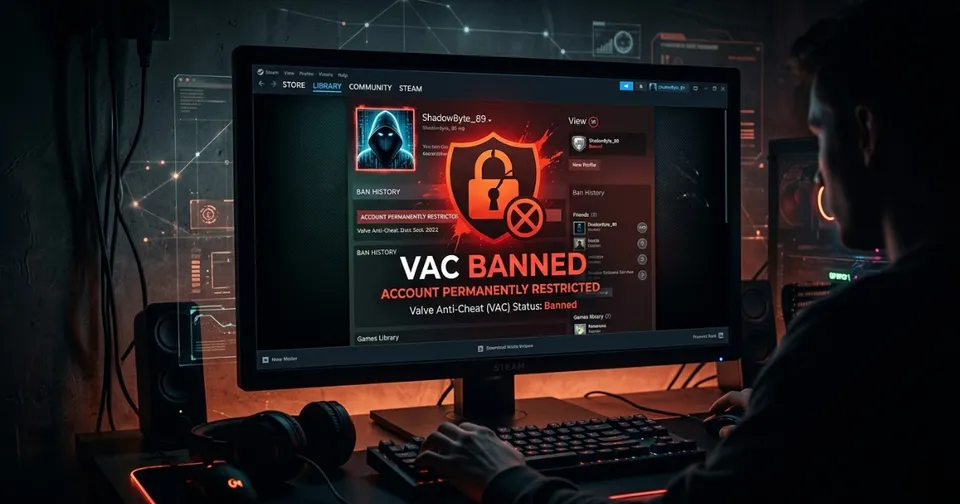
VAC stands for Valve Anti-Cheat, and a VAC ban is what happens when Valve's system catches your account running cheat software during a game. It's permanent, it's tied to your account forever, and it's publicly visible on your Steam profile. Unlike a trade ban, a VAC ban is game-specific. Get caught cheating in CS2 and your CS2 access to VAC-secured servers is gone. Your Dota 2 hours are untouched. But in the game you got banned in, your ranked life is over.
What Actually Triggers a VAC Ban?
Cheat software is the obvious one. Aimbots, wallhacks, triggerbots, anything that touches the game's memory in a way Valve's system flags will eventually get detected. The key word is eventually. VAC bans are often delayed on purpose. Valve lets cheaters run for weeks or months before dropping the ban in waves, which makes it harder for cheat developers to identify what exactly got detected. This also means an account can look clean for a long time and still catch a ban later.
How Long Does a VAC Ban Last?

Forever. There is no cooldown, no appeal window, and no path back. Once VAC issues a ban it is permanent and Valve has been explicit about this for years. The ban shows up publicly on the account's Steam profile with a timestamp showing how many days ago it was issued. Steam Support does not lift VAC bans except in extremely rare cases where a third-party plugin was falsely detected, and even those cases are almost never successful.
Who Should Be Checking Before They Trade or Play?
Anyone who trades high-value CS2 skins should be verifying their trading partner's account before sending anything over. A VAC banned account in CS2 also gets restricted from the Steam Community Market for that game, which affects item values and liquidity. If you are partying up with a stranger in a competitive game, a quick check tells you whether you are queuing with someone who already has a history. In CS2 specifically, playing with VAC banned accounts can also affect your own trust factor rating.
How to Check If an Account Has a VAC Ban
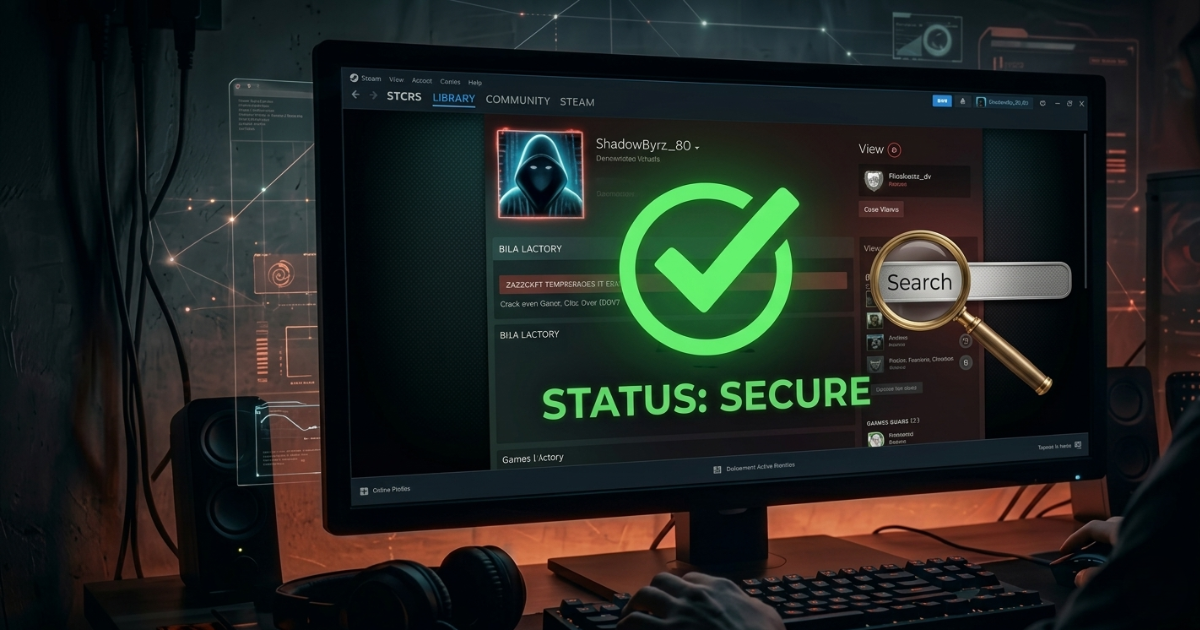
Steam displays VAC ban status publicly but you have to navigate to the profile and know what to look for. Our Steam VAC Ban tool makes it instant. Drop in any Steam profile URL or SteamID64 and you will see the full ban history, which games the bans are tied to, how many bans are on the account, and when the most recent one was issued. No login required, works on any account, and takes about three seconds.