
Samsung's 6K Odyssey Displays: Resolution and Refresh Rate Explained
The 6K G8 and glasses-free 3D model share headline numbers, but they are not the same monitor.

Odyssey 6K Modes
Samsung's 2026 Odyssey family is easy to misread if you combine its biggest numbers into one imaginary monitor. The 6K resolution, glasses-free 3D and four-digit refresh-rate headline belong to different products or operating modes. The useful starting point is the model code, followed by the resolution at which its refresh rate applies.
Two Different Routes to 6K
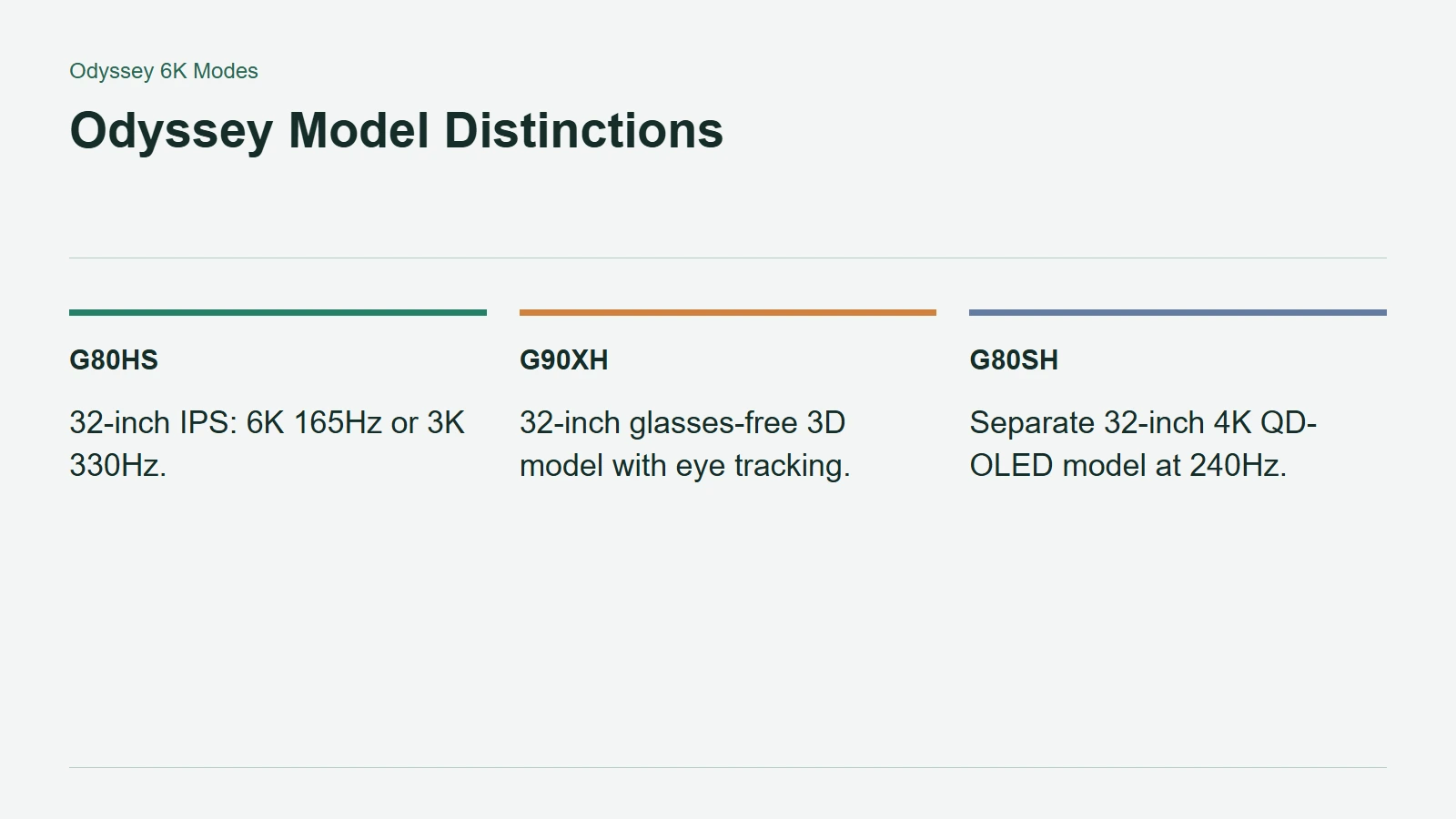
Samsung's December 2025 lineup announcement identifies the 32-inch G90XH as the glasses-free Odyssey 3D display. Its eye-tracking system adjusts the presentation for the viewer, with supported-game integration forming part of the pitch. That does not make every game a verified 3D title.
The 32-inch G80HS is a separate Odyssey G8. Samsung's current G80HS product specification identifies an IPS panel and two principal modes: 6144 by 3456 at 165Hz, or 3072 by 1728 at 330Hz. It is not the 4K QD-OLED G8, whose model code is G80SH.
One swapped letter therefore changes the product category. Keep the full code visible when comparing retailer listings, especially when a product title shortens everything to Odyssey G8.
Odyssey Model Distinctions
Dual Mode Trades Detail for Speed
On the G80HS, 330Hz is the lower-resolution mode, not a claim of 6K at 330Hz. Halving both pixel dimensions reduces the displayed pixel count to one quarter. That arithmetic explains the size of the resolution trade, but it does not predict an exact game-performance multiplier.
The broader family makes the same distinction important. The announced 5K G80HF pairs 180Hz at its native resolution with 360Hz at QHD. The G60H's 1,040Hz headline applies to HD Dual Mode, not its native QHD presentation.
Choose a mode around the work you actually want the screen to do. Fine detail and desktop space are different priorities from maximizing motion updates during a competitive match. Switching modes lets one display serve different sessions, with a visible compromise rather than a free doubling of everything.
The PC Still Has to Deliver the Signal
The G80HS page lists DisplayPort 2.1 and HDMI 2.1, but a connector name alone is not a complete compatibility check. Confirm the supported timing through the specific GPU output, cable and any dock in between.
Then separate signal support from rendering performance. A PC can support a desktop resolution without rendering a demanding game at the panel's maximum refresh rate. Check the intended game settings and output mode together before treating a monitor upgrade as a finished 6K gaming setup.