
The Witcher 3's Path-Tracing Update: What Changes on PC
The Remastered update changes rendering as well as game systems, so returning players should check more than one graphics toggle.


The Witcher 3 Path Tracing
The Witcher 3's September 29, 2026 Remastered update is more than a new lighting preset. CD PROJEKT RED's change list covers rendering, interface features and gameplay, while NVIDIA details the path-tracing and DLSS additions. Returning players should treat it as a substantial version change, especially if their existing installation relies on mods.
A Different Approach to Lighting
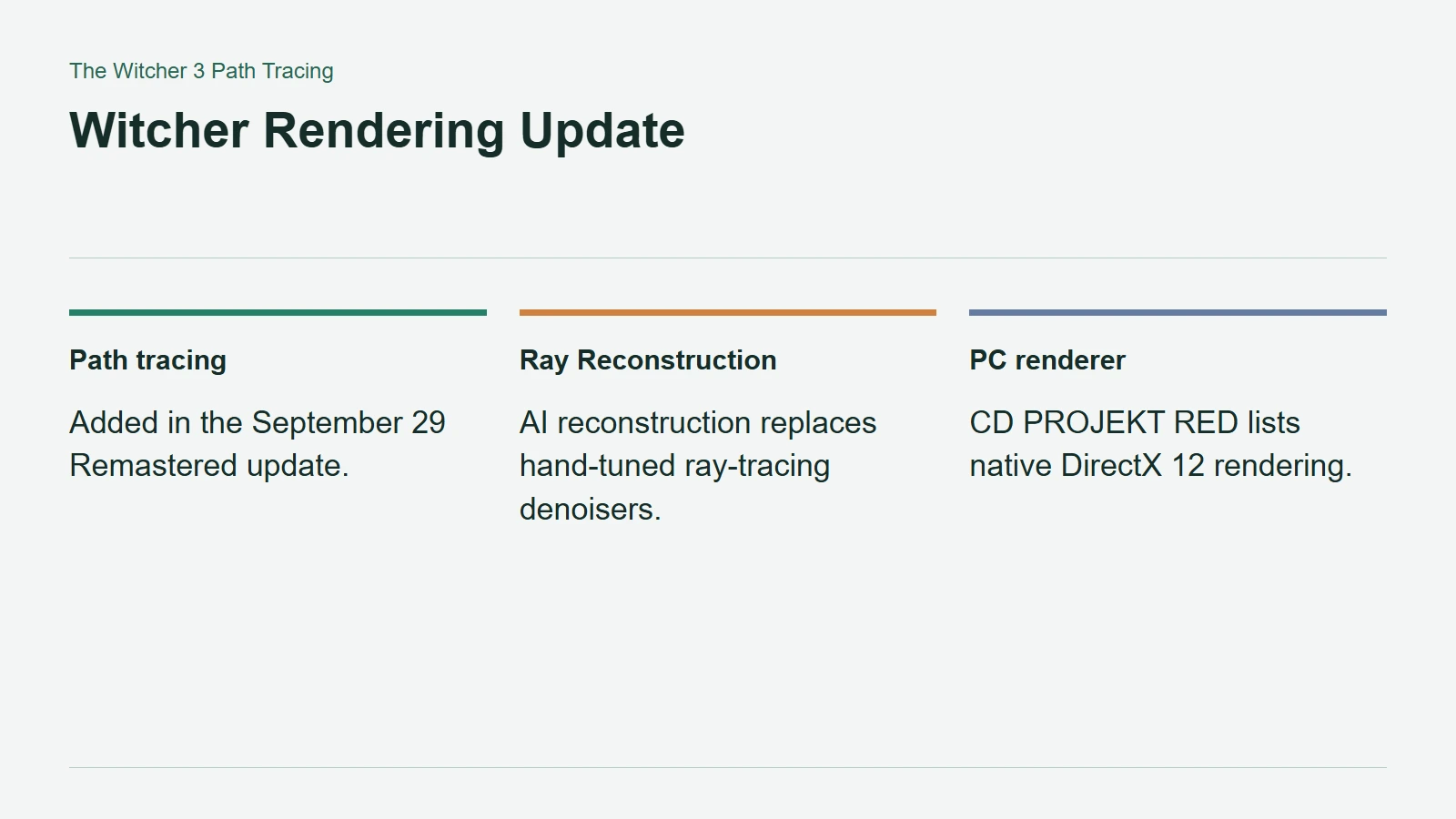
NVIDIA describes path tracing as a unified approach to lighting that follows multiple light bounces, rather than combining separate effects for selected parts of the scene. The intended result is more consistent interaction between illumination, shadows and reflections.
That is a change in how a scene is calculated, not another name for upscaling. In its September announcement, NVIDIA also distinguishes RTX 50-specific path-traced HairWorks enhancements from the wider update. A feature shown in a high-end demonstration should therefore not automatically be assumed available on every ray-tracing GPU.
CD PROJEKT RED's official Remastered change list confirms native DirectX 12 rendering and warns that system requirements have changed. Players comparing against the old version should check the new requirements before carrying over their previous expectations.
Witcher Rendering Update
What Ray Reconstruction Does
Ray Reconstruction addresses a different task: making a coherent image from ray-traced samples. NVIDIA describes it as an AI replacement for hand-tuned denoisers. It is not the feature that creates extra whole frames between rendered ones.
That distinction matters when evaluating performance claims. Image reconstruction, lighting settings and frame generation can all affect a comparison, but they should not be silently bundled into a single claim about native rendering speed. Record which options are enabled when comparing results.
Check Saves and Mods Before Returning
The developer also lists an in-game mod browser powered by mod.io and changes to REDkit. That is useful infrastructure, but it does not certify every older modification as compatible. Check the individual mod's supported game version, dependencies and update notes before restoring a large collection.
Keep a separate save backup and try a clean configuration before diagnosing graphics problems through multiple mods at once. This is particularly sensible because the update reorganizes skills into a prerequisite-based tree and resets skill points. A changed character setup may be an intended migration rather than missing progress.
Establish a working installation first, then restore modifications in manageable groups. It is a less glamorous starting point than enabling the most expensive lighting mode, but it makes unexpected behavior much easier to identify.