
Steam Trade Ban Explained: What It Is, Who Gets One, and How to Check Yours
What every Steam trader needs to know before it's too late.

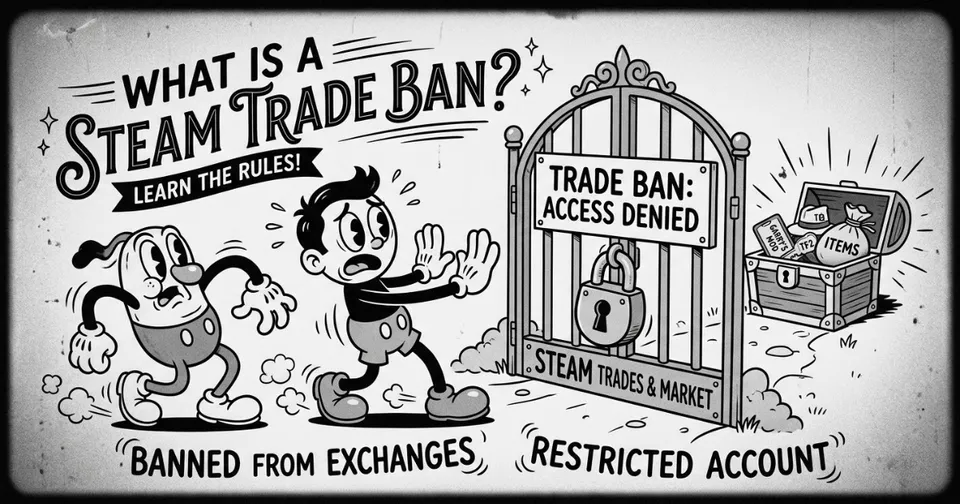
What Is a Steam Trade Ban?
A Steam trade ban is a hard lock on your account's ability to send or receive trade offers. Not a cooldown, not a hold. A full stop. Your CS2 skins, Dota 2 items, TF2 inventory, all of it sits frozen while your account stays active. You can still launch games, rack up hours, do whatever. You just can't move a single item. Valve hands these out when an account gets flagged for fraud, chargebacks, or shady market activity, and they don't give much warning before it happens.
What Actually Triggers a Trade Ban?
Chargebacks are the biggest one. Dispute a Steam purchase through PayPal or your bank and Valve will almost certainly hit your account. Beyond that, receiving items from a banned or compromised account can drag you into the same net, even if you had no idea. Market manipulation through bots, abusing item duplication exploits, and buying Steam wallet codes from sketchy third-party sellers are all patterns Valve's systems pick up on. The detection is automated and it casts a wide net.
How Long Does It Last?
Permanently. That's the short answer. Trade bans are not like the 15-day trade hold you get after enabling Steam Guard on a new device. There's no timer, no expiry date, and no reliable appeal path. Steam Support will confirm the ban if you contact them, but reversals are almost unheard of. This is why a trade ban hits harder than most other Steam penalties.

Who Should Actually Be Worried?
Anyone moving high-value skins regularly, accounts connected to third-party trading platforms, and users who have ever disputed a Steam charge. If your account has been sitting without Steam Guard, or you recently swapped your email and password, you are a higher risk target during any automated review. Buying wallet funds from unofficial resellers is also a fast track to getting flagged, even if the purchase looks completely normal on your end.
How to Check If You Have a Trade Ban
Your own trade status is buried in Privacy Settings on your Steam profile, which is not exactly obvious. The faster option is running your SteamID64 or profile URL through a dedicated checker. Our Steam Trade Ban Checker pulls your current trade status instantly, shows any active holds, and tells you whether the account can trade right now. No login needed, works on any account you want to look up before accepting a trade.